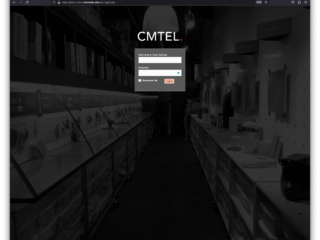

After logging-in to WordPress, you can proceed with Adding a New Post.
Adding A New Post
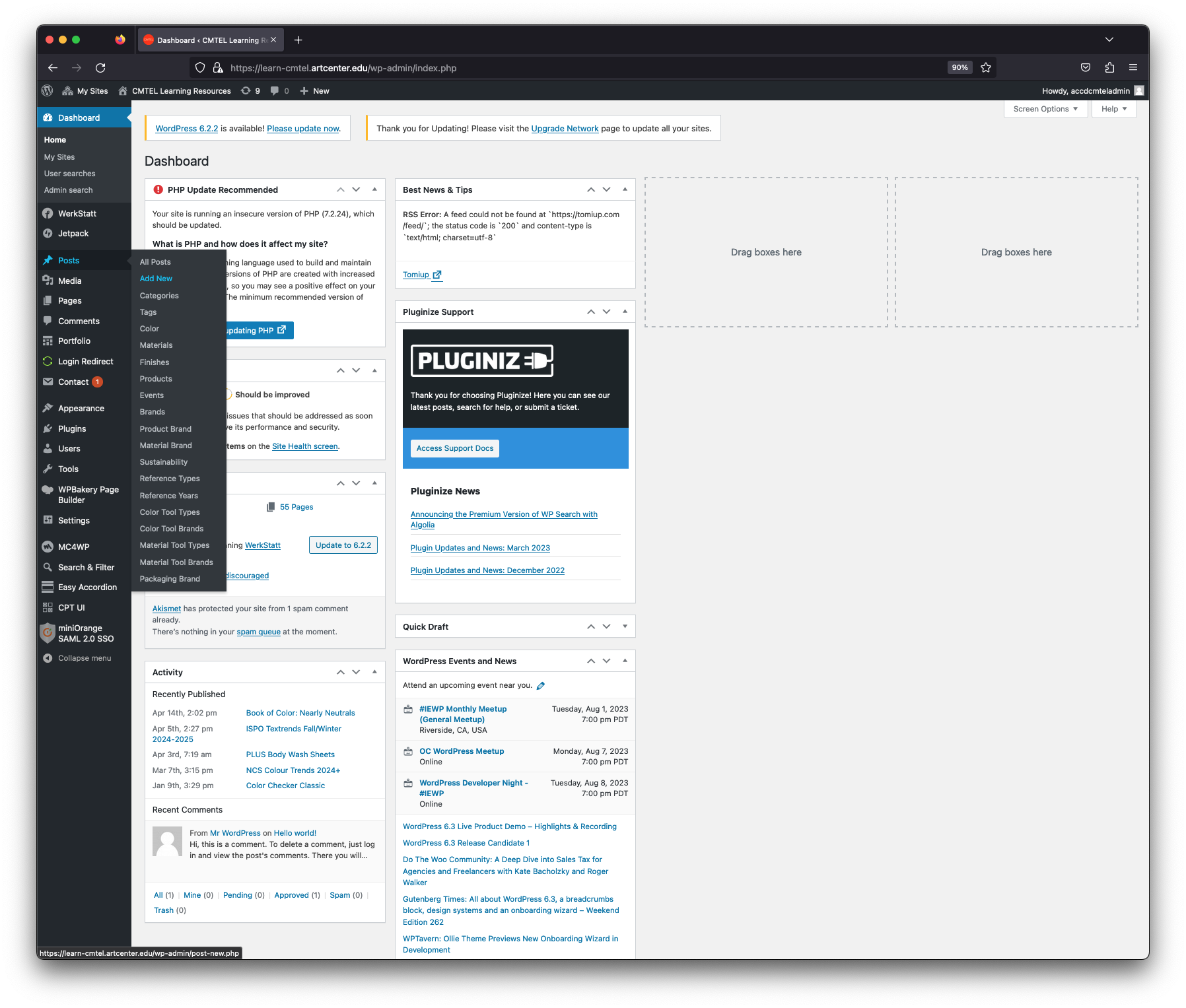
Post Menu
Find the “Posts” category. Roll your mouse over the title, and a menu will appear. Select the “Add New” option.
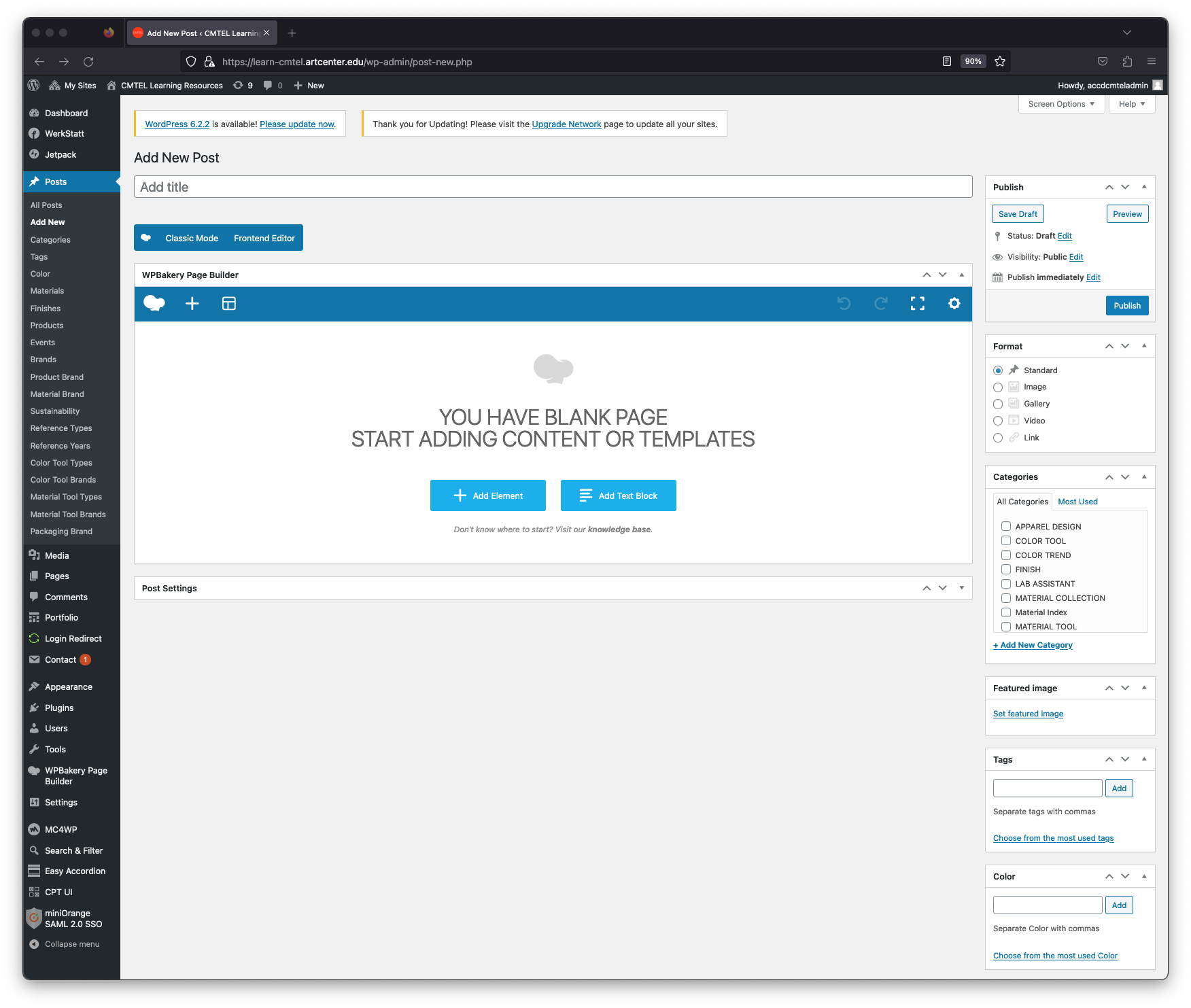

After logging-in to WordPress, you can proceed with Adding a New Post.