
Once the final 10 innovations for the event have been chosen make sure you have the following:
Weblink to the source/creator of the innovation. This could be a corporation, manufacturer, studio, designer/artist; ideally the link is to the specific project/innovation.
High-resolution images of the innovation, ideally with 1st, 2nd and 3rd read details and in use context.
Identified from which event the innovation was announced.
Now proceed with Logging-In to WordPress and then Adding a New Post.
Logging-In to WordPress
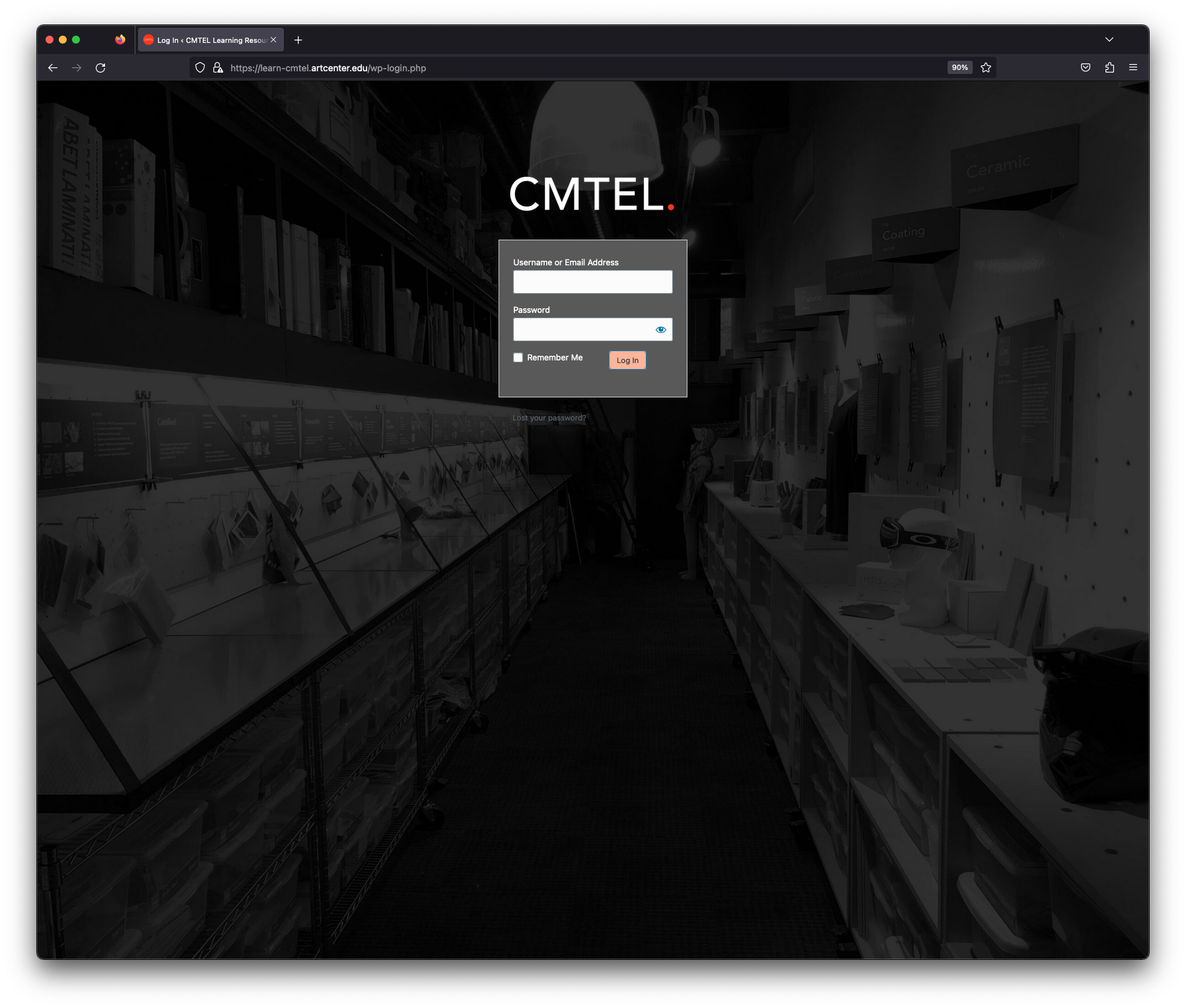
WordPress Login
Log in to the WordPress admin area by following this link: https://learn-cmtel.artcenter.edu/wp-login.php Enter your User Name (your ArtCenter email) and Password.