

Adding A New Post (continued)
3. Description
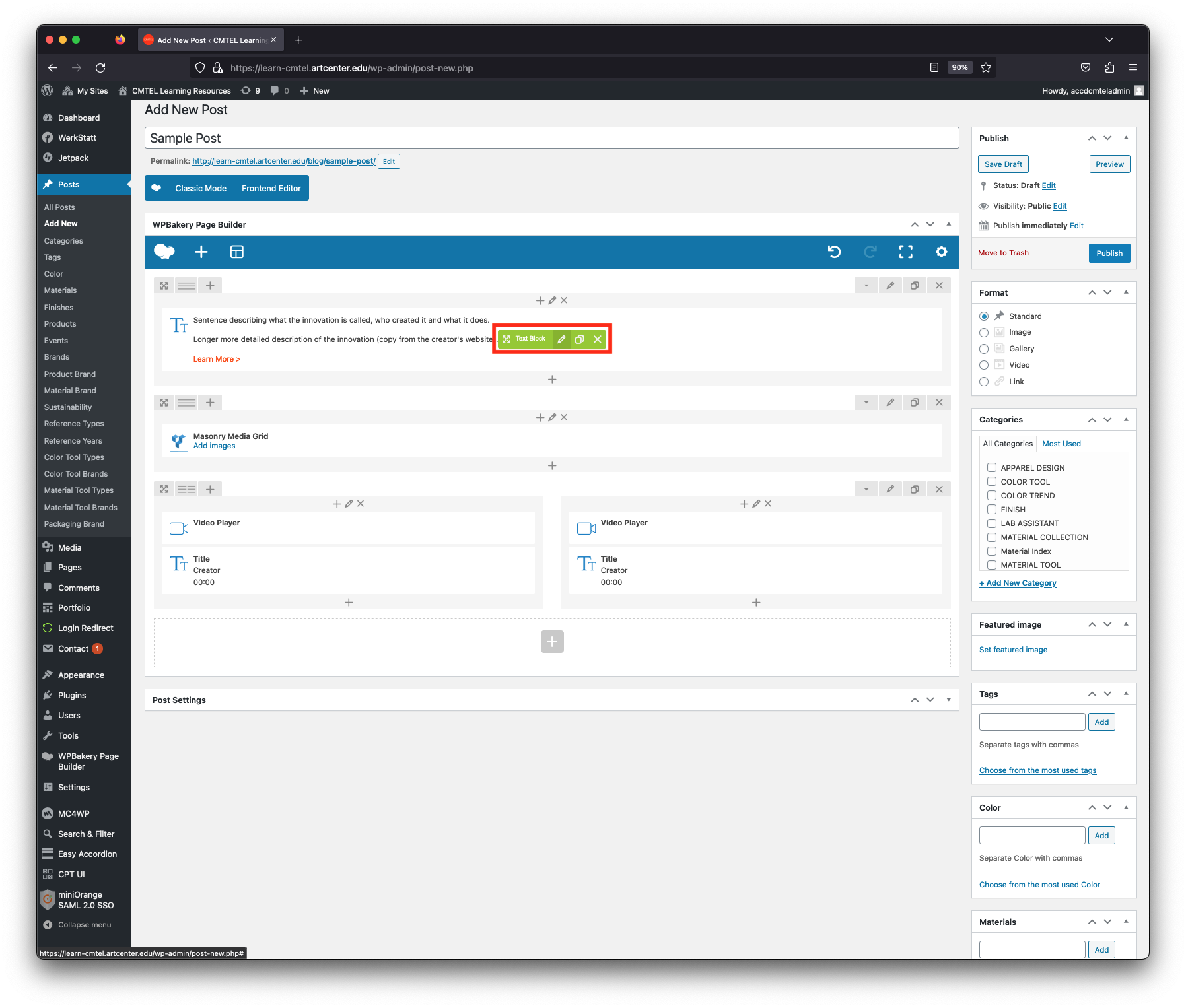
Edit this first section by hovering your cursor over the area until the green menu pops up (highlighted in red in the image). Select the pencil icon to “Edit Text Block”.
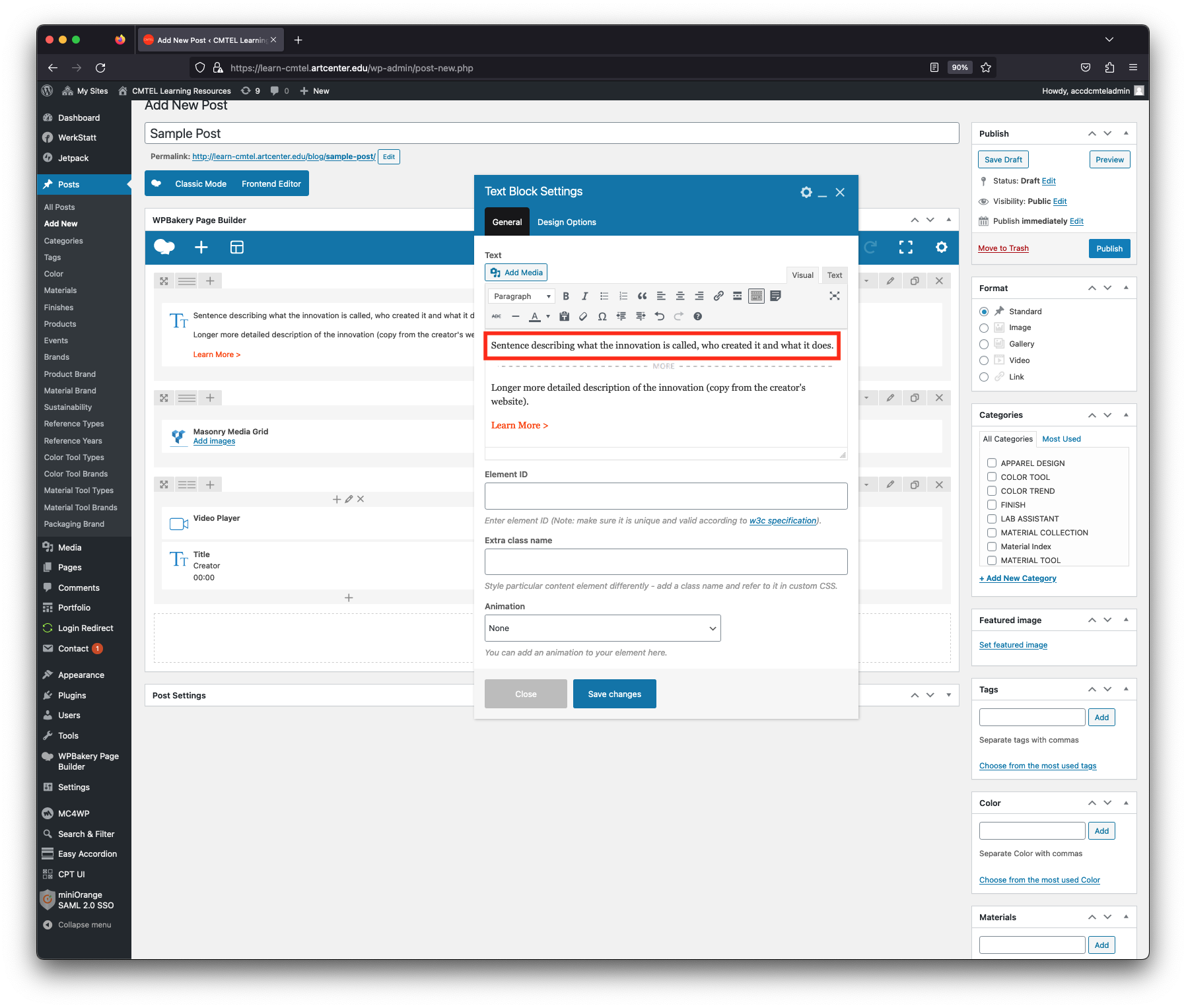
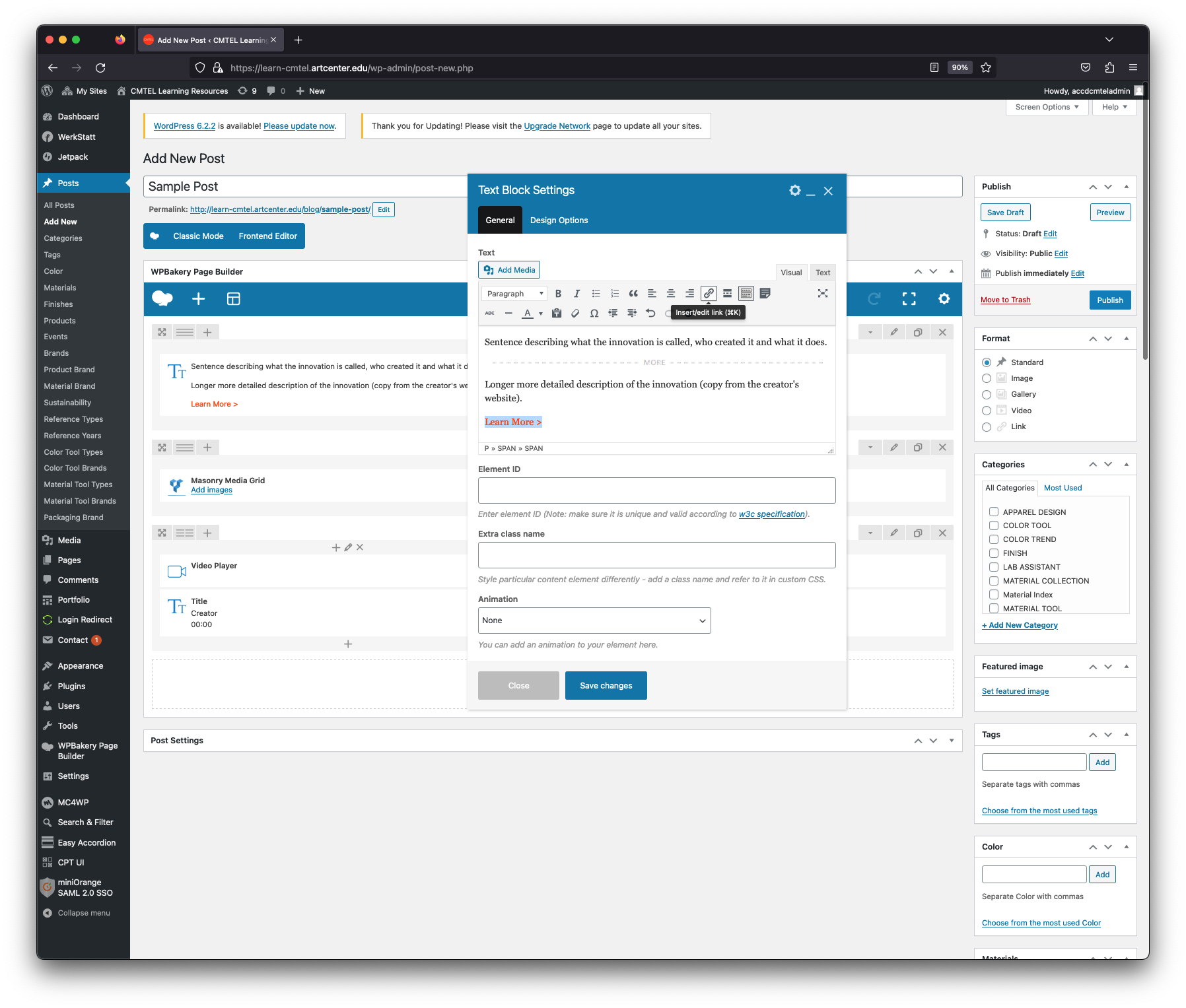
The “Text Block Settings” window will appear and you will edit 3 elements.
First, write a one sentence description of the innovation (what is it, who made it, what does it do). Keep the sentence as short as possible as this is the post excerpt which is displayed on the Trends blog.
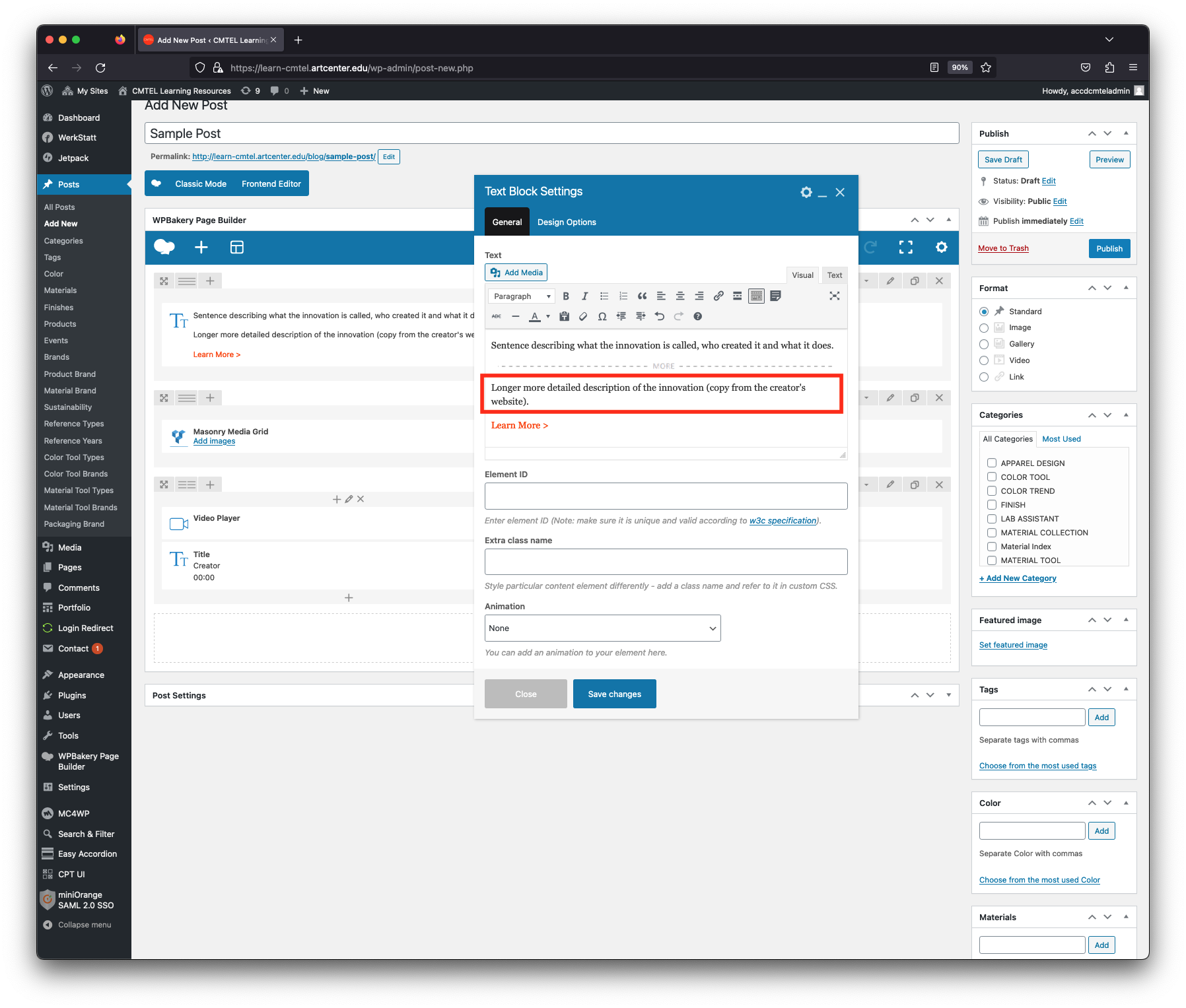
Second, add a more detailed description of the innovation. You can copy and paste some content from the creator’s website.